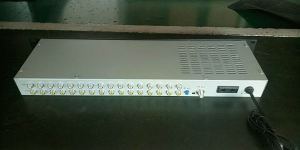
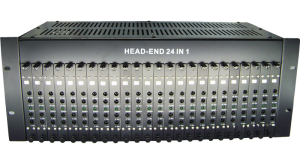
H.264/H.265 8/16/24 HDMI Encoder
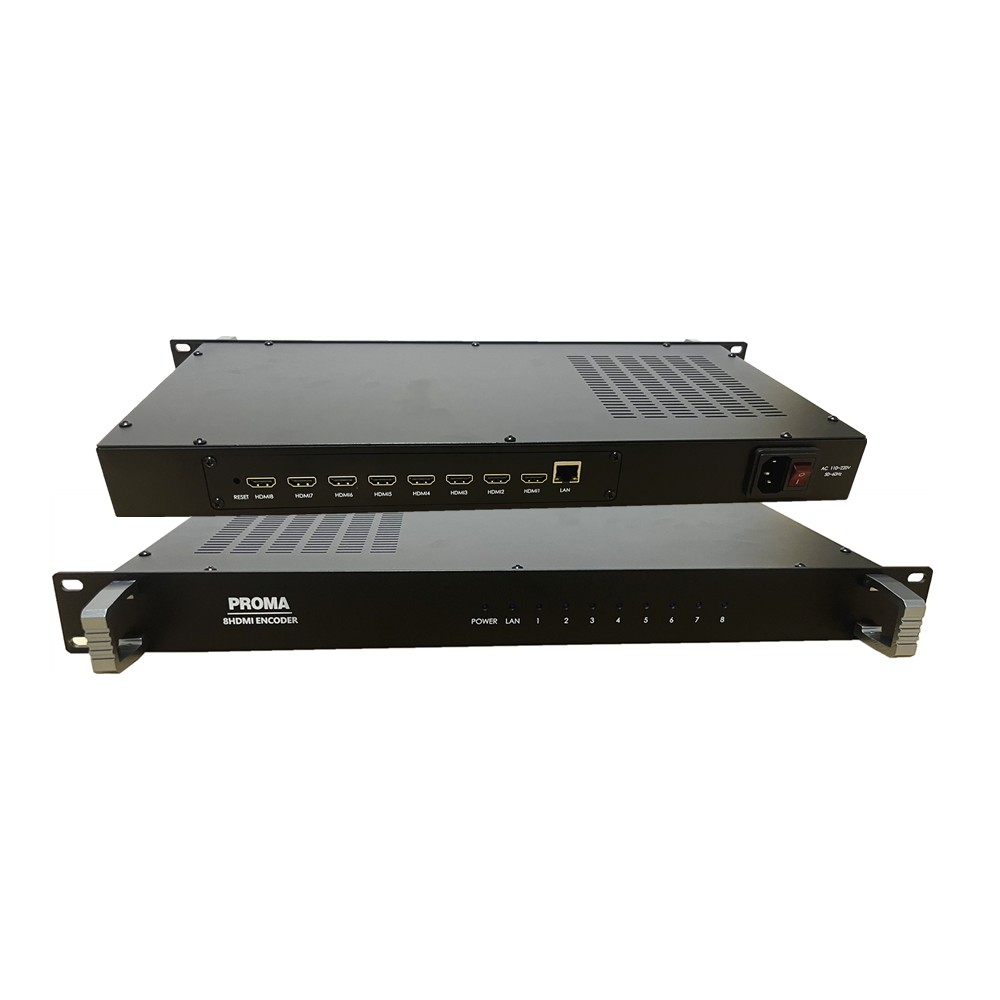


Short Description:
1. Software environment
1.1.1. Login WEB
1.1.2. Status
2. Encode
2.1. Encode
3. System
3.1. Network
4. Application
4.1. A small number of users
4.1.1. Preview
4.1.2. VLC player
4.2. Multicast
4.3. NVR
5. common problem
5.1. Can’t access encoder
5.2. VLC player can’t play video
1. Software environment
1.1.1. Login WEB
Enter 192.168.1.168 in the browser address bar, and enter admin in the two text boxes of
the pop-up dialog box.

1.1.1. Status

2. Encode
2.1. Encode

parameter:
FPS:images/s;
GOP:ow many images were used after the keyframe;
Bitrate control:CBR – Fixed stream
VBR – Variable stream
3. System
3.1. Network

4. Application
4.1. A small number of users
4.1.1. Preview

4.1.2. VLC player
VLC player download address:http://www.videolan.org/。


4.2. Multicast
If there are a large number of users watching at the same time in the LAN, we recommend collecting multicast mode.


4.3. NVR
Determine whether the NVR supports the H.264 decoding function. Because of the ONVIF communication, the encoder RTSP stream function is enabled.

2. If you want the NVR to recognize the encoder audio, you must also enable the following functions. After setting, please restart the encoder.

1:If you have already set the above settings, the NVR still cannot open the video. You can download the ONVIF standard test tool to test whether the encoder ONVIF function is normal. (Download address: http://url.cn/2ESQRcn)
2:If the ONVIF test tool is normal, please check the settings on the NVR.
5. common problem
5.1. Can’t access encoder
If you can’t access the encoder, there are two situations: 1. If the network interface light is off, the network cable may not be plugged in, or the network cable may be broken, or the encoder network port may be broken. 2. The local area is not 192.168. 1.XX network segment. Add the IP of 192.168.1.XX to the computer, and connect the encoder network port to the computer.
5.2. VLC player can’t play video
If the video cannot be played after the VLC player inputs the stream address, check if the video signal is captured in the WEB.

If Collected Video Frames=0,Please check if the video source is properly connected to the encoder. Please make sure that the video source is present and the HDMI port is docked or the video source format encoding is not supported.